

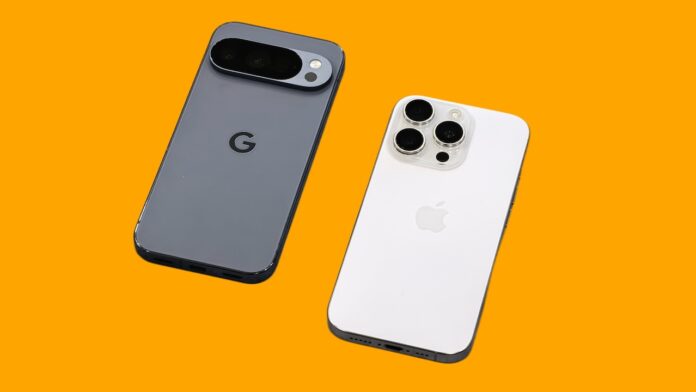
Sharing photos or videos with someone nearby shouldn’t be complicated, but it often is when iPhones and Android phones are involved. Until now, moving a file from an iPhone to an Android device usually meant using third-party apps, cloud links, or messaging platforms—none of which felt quick or seamless.
Google is trying to change that. A new update allows Quick Share on select Android phones to work with Apple’s AirDrop, making it possible to send files directly between the two platforms. It’s an early step, but it finally brings cross-platform sharing a little closer to how it works within Apple’s own ecosystem.
For now, the feature is limited to Google’s latest phones. Supported devices include the Pixel 10, Pixel 10 Pro, Pixel 10 Pro XL, and Pixel 10 Pro Fold. Google says it plans to refine the experience and roll it out to more Android devices later.
Table of Contents
What you need before you start
To use this feature, you’ll need an iPhone, iPad, or Mac on the Apple side, and a Pixel 10 series phone on the Android side. Both devices should be nearby, with Wi-Fi and Bluetooth turned on.
How to send files from iPhone to Android
1. Set up your Pixel to receive files
- Open Quick Share on your Pixel 10 series phone.
- Turn on Receive mode, or set visibility to Everyone for 10 minutes so nearby Apple devices can discover it.
2. Share the file from your Apple device
- Open the app that contains the photo, video, or file you want to send.
- Select the content.
- Tap the Share button.
- Choose AirDrop from the list of sharing options.
3. Complete the transfer
- When your Pixel phone appears in the AirDrop list, tap its name.
- On the Pixel, tap Accept if prompted.
- The file transfers directly, without needing an internet connection.
What this means in practice
This update doesn’t completely erase the gap between iPhones and Android phones, but it does make everyday sharing less painful—especially when you’re sending files to someone standing right next to you. The experience is still limited by device compatibility, but it’s a promising sign that Google and Apple are at least finding some common ground.
If Google follows through on expanding support beyond the Pixel 10 lineup, this could eventually become the easiest way to move files between iOS and Android without workarounds.
See More: How to Reset Apple Watch Passcode
