

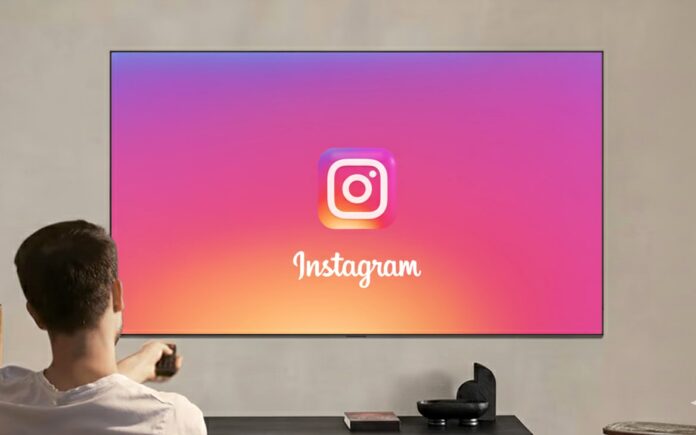
Instagram has always been a phone thing. You open the app, scroll for a few minutes, maybe send a Reel to a friend, and move on. Watching Instagram on a TV? That sounds strange—at least at first.
But that’s exactly what Meta is experimenting with. There’s now a version of Instagram made for TVs, and it’s all about Reels. It’s not widely available yet, and it’s definitely not finished, but it shows where things might be headed.
For now, this TV version only works on certain Fire TV devices and is rolling out slowly, starting in a few regions like the US. And no, it’s not a full Instagram app. Think of it more as a Reel-watching experience than Instagram as you know it.
Table of Contents
What’s Instagram Like on a TV?
The whole thing feels very “lean back and watch.” Instead of endlessly scrolling, Reels are grouped into different categories—sports, music, entertainment, and so on—based on what you usually watch on Instagram.
The videos stay vertical, even on a big TV screen. It looks a little weird at first, but since Reels are made for phones anyway, it kind of works after a while.
You can log in with up to five Instagram accounts, check out creators, open profiles, and see reactions and comments. Meta says more features are coming later, like using your phone as a remote, easier sharing, and better ways to discover creators you already follow.
Right now, content is limited to PG-13, and if you’re using a teen account, all the usual safety limits still apply.
See More: Want to watch Instagram videos with your friends? Here is how!
How to watch Instagram Reels on your TV
If you’ve got a compatible Fire TV and access to the app, setting it up is pretty simple.
- Go to the home screen on your Fire TV
- Select Find
- Search for Instagram
- Choose the Instagram app and hit Get
- Open the app and sign in
If you don’t feel like typing your password with a remote, you can link your account from the Instagram app on your phone through Settings > Activity. It’s faster and less annoying.
Once you’re logged in, you can start watching Reels straight away.
Supported Fire TV Devices
At the moment, Instagram for TV works on these Fire TV models:
- Fire TV Stick HD
- Fire TV Stick 4K Plus
- Fire TV Stick 4K Max (1st and 2nd gen)
- Fire TV 2-Series
- Fire TV 4-Series
- Fire TV Omni QLED
Availability can change depending on where you live and which Fire TV you’re using.
Final Thoughts
Watching Instagram Reels on a TV feels strange… but also kind of interesting. It’s a very different vibe from phone scrolling, more like background content you put on while doing something else.
It’s clearly an experiment, and it’s hard to say if this will turn into a proper TV app or quietly disappear later. Still, it’s a good example of how short videos are starting to move beyond phones and into spaces usually dominated by streaming apps.
Would you actually watch Instagram on your TV? That part’s still up for debate.
See More: Top Instagram Reels Editing Apps for Android and iOS
